Set Document Id
The Document Number Assignment object is used to automatically assign document numbers to document objects in the workflow according to a specified format.
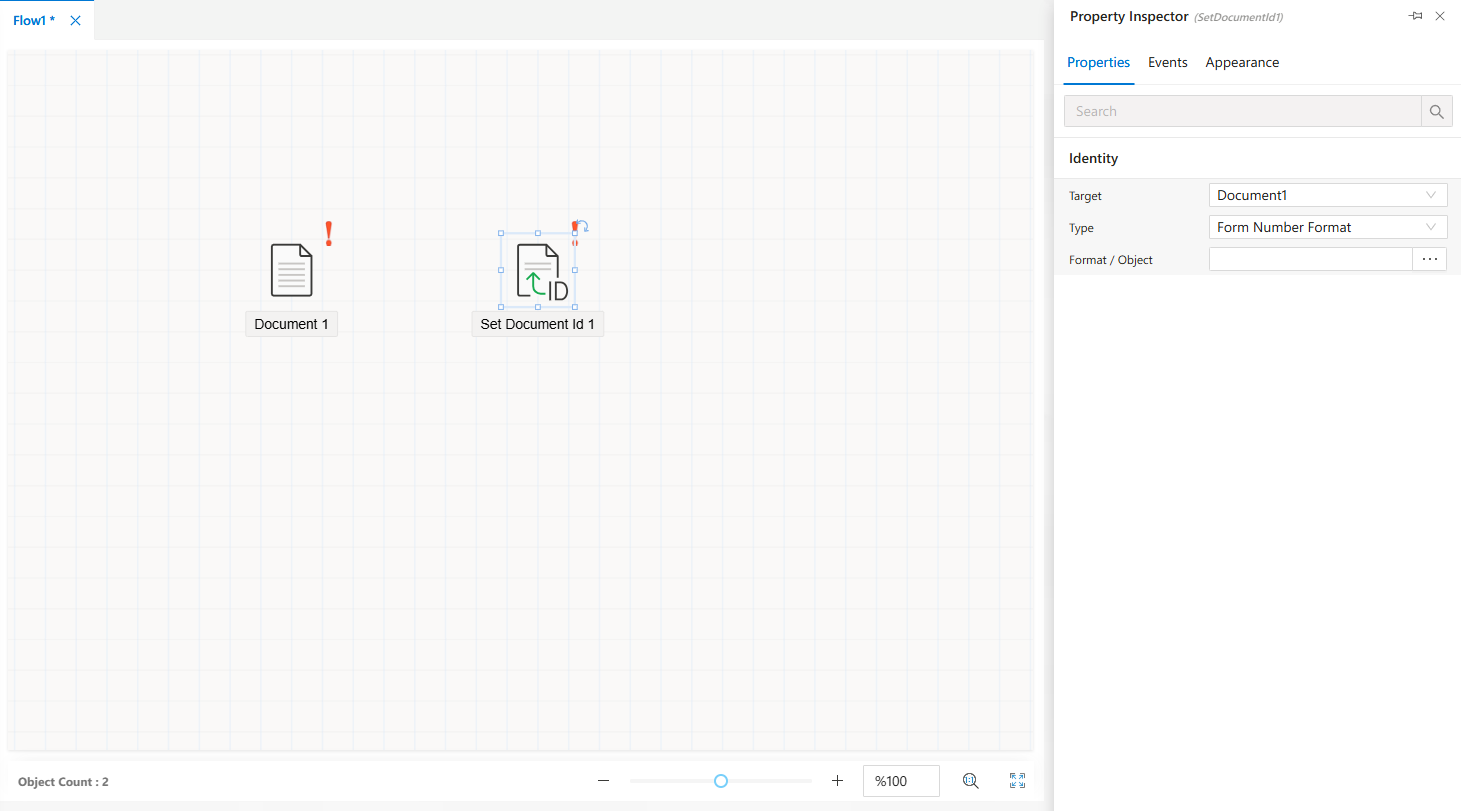
The Document Number Assignment object is designed to automatically assign document numbers in a predefined format to document objects within a workflow. This feature ensures that documents used in processes are organized, easily traceable, and managed with unique identifiers.
Adding the Object
- Drag and drop the
Document Number Assignmentobject from theToolbox Panelonto theWorkflow Canvas. - When you click on the object in the
Flow Designscreen, its properties will be displayed in theProperties Viewerpanel.
Properties Viewer Tabs
When the Document Number Assignment object is selected, the Properties Viewer panel contains the following tabs:
Appearance→ Configures the visual settings of the object.Properties→ Defines the document numbering format, target document objects, and other functional configurations.
FAQs
- What is the purpose of the Document Number Assignment object?
- What events are available for the Document Number Assignment object?
- How can I configure the Document Number Assignment object?